Inspired by Kodak · Black & white film
Kodak Tri-X 400
The classic black and white, high contrast. Simulated from Kodak’s data sheet: developed in D-76 for 7¾ minutes as Kodak’s table gives, and printed at grade 3.3 (between filters 3 and 3½), clearly harder than T-Max, as Tri-X is usually printed. An S-curve with deep blacks, hard midtones and a gentle highlight roll-off. The camera turns colour into grey like the film with a light yellow filter, so skies are darker than on unfiltered film.
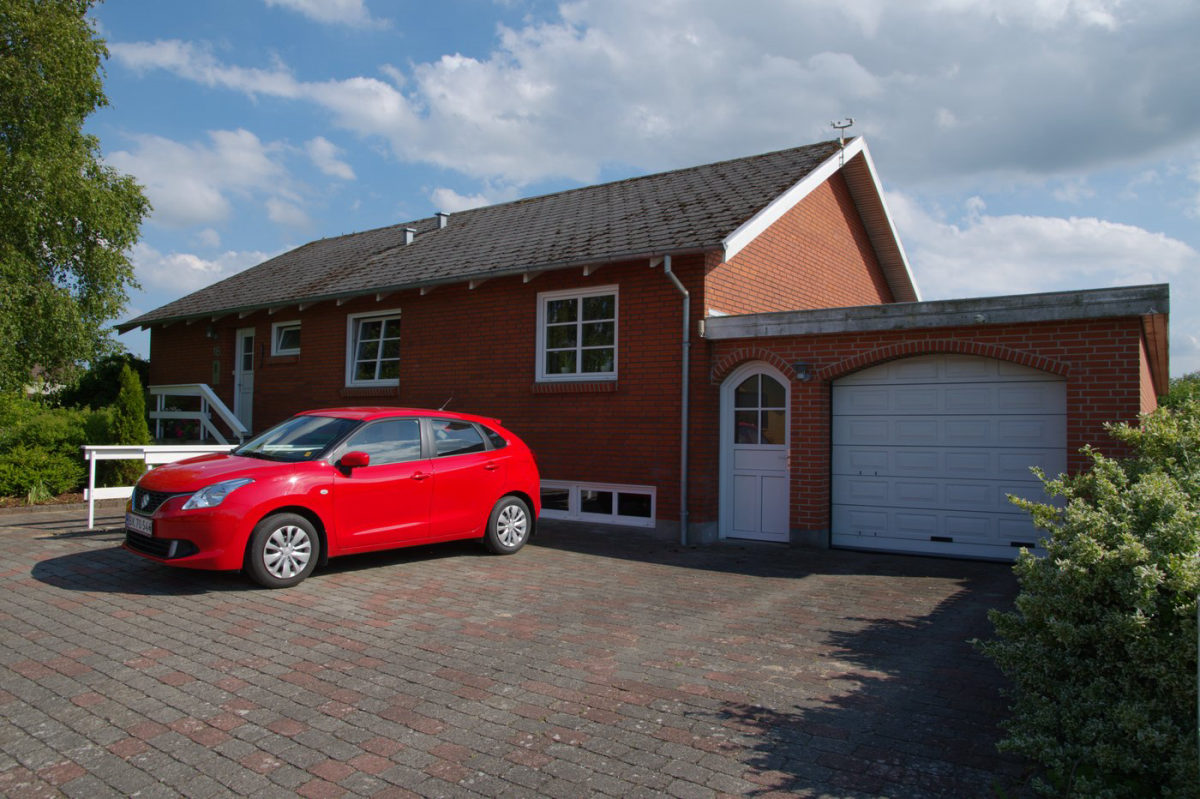
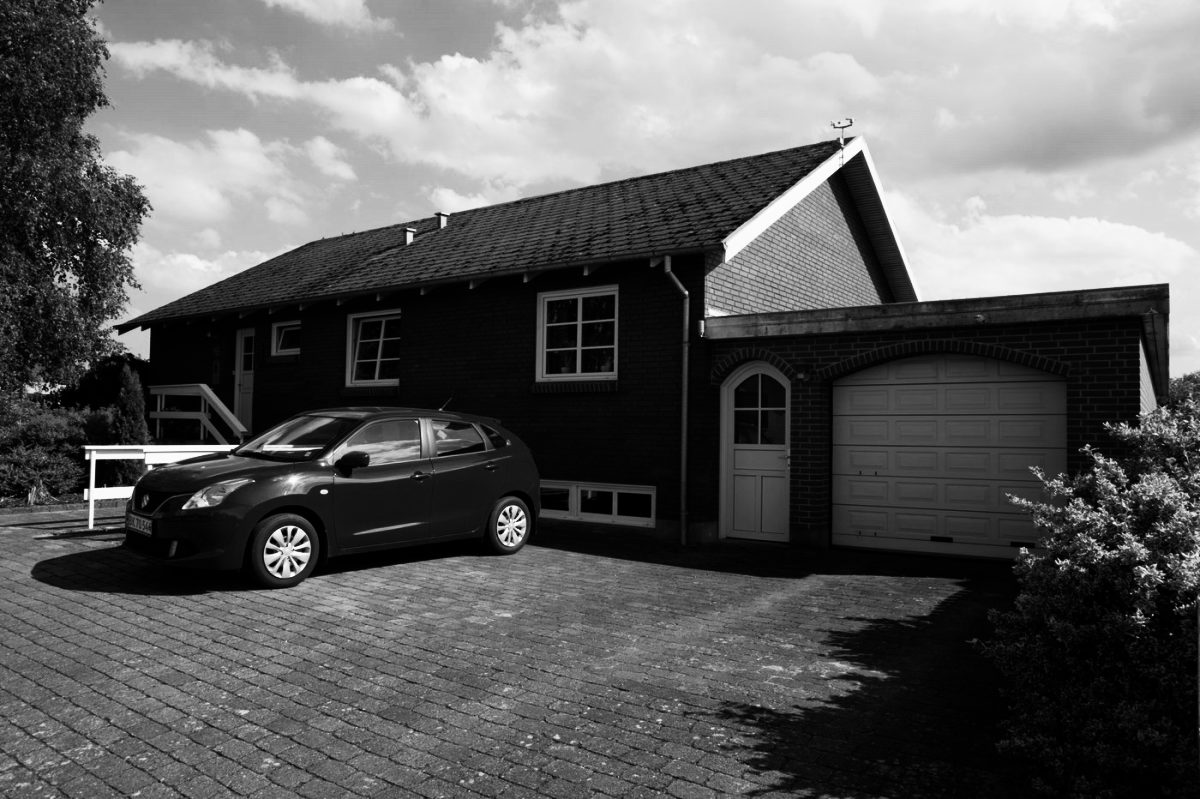 Original (Neutral)
Tri-X 400
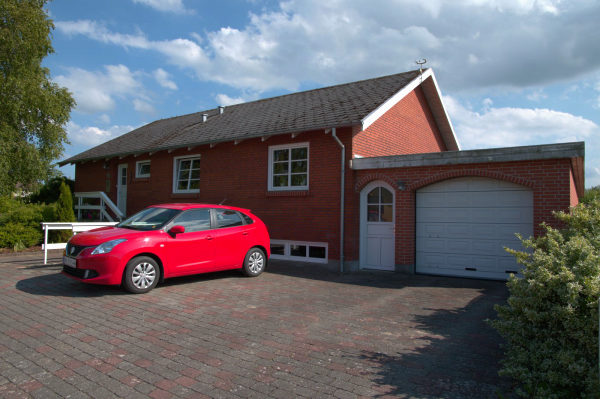
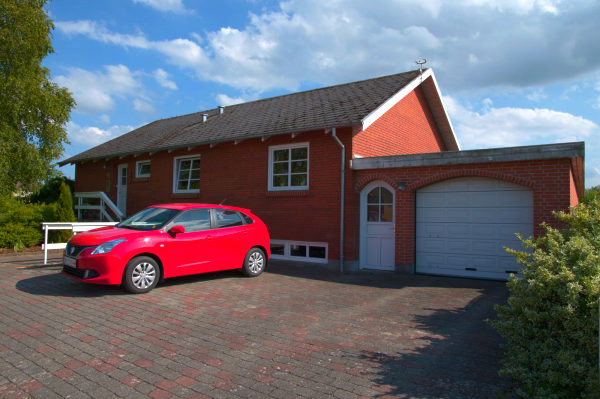
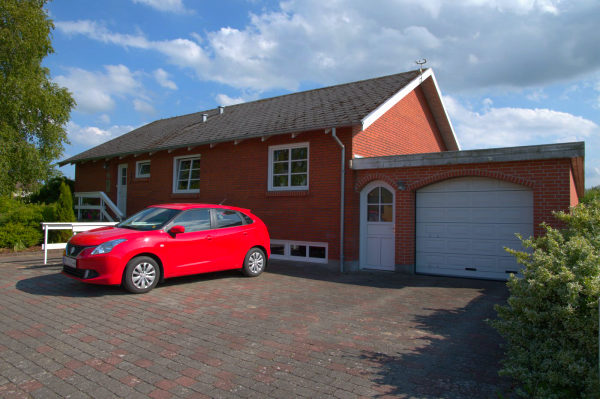
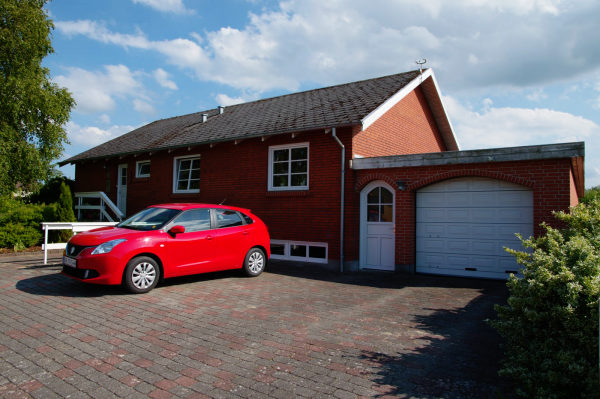
CC0 samples from raw.pixls.us, rendered like Nikon’s Neutral and coloured with the tool’s own model, suggested white balance included.
Load it into the camera
- Copy the file to the
NIKON/CUSTOMPCfolder at the top of the memory card (or to the top of the card itself). - On the camera: MENU › Photo shooting menu (older DSLRs: Shooting menu) › Manage Picture Control › Load/save › Copy to camera, pick the file and a slot from C-1 to C-9.
- Open Set Picture Control, select the new look and set white balance and exposure compensation as suggested above.
The full guide, including what to do when the camera does not find the file
Sources
Kodak and Tri-X 400 are trademarks of their respective owners. This look is FilmPC’s own approximation, not a Kodak product.