Film-look Picture Controls for Nikon
Shoot film looks straight out of your Nikon
Pick one of 18 looks inspired by Kodak and Fujifilm films, preview it on a sample or on your own photos, and download the Picture Control file (.NCP) for your memory card. JPEGs come out of the camera with the film look, no editing needed.
No software to install, no account. Your photos never leave your browser.
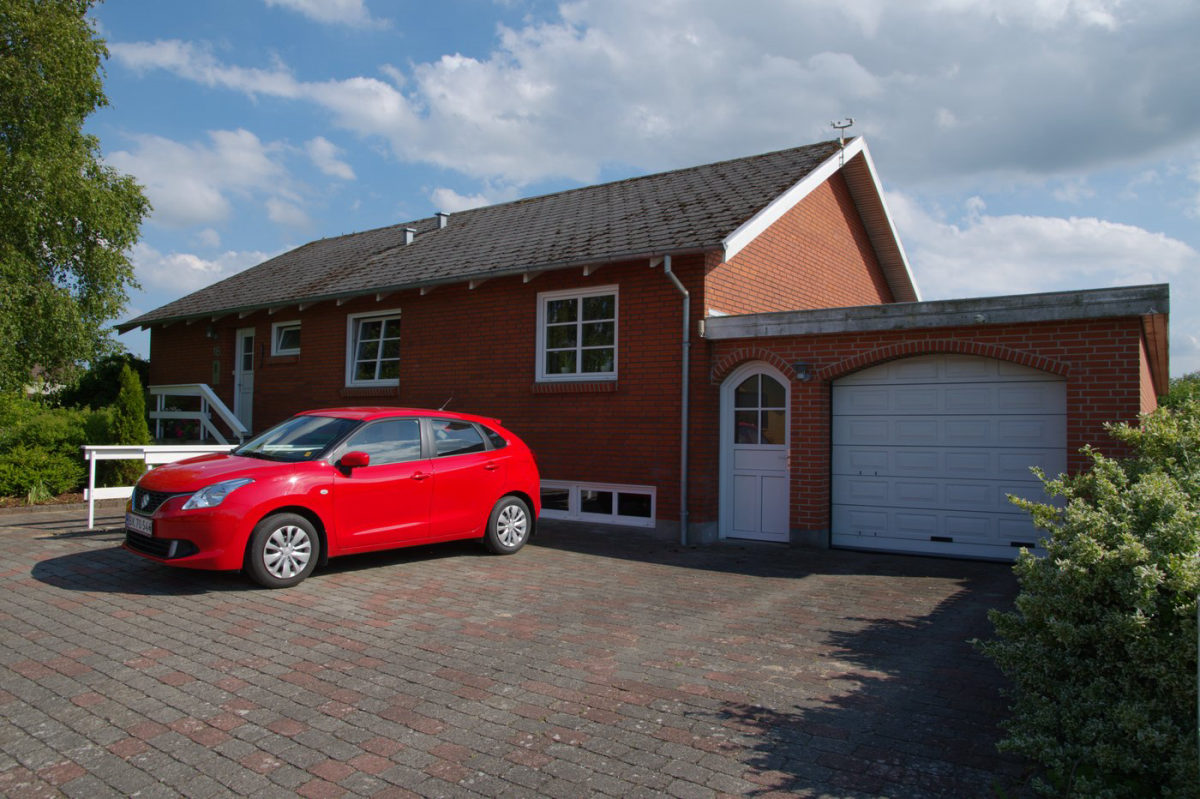
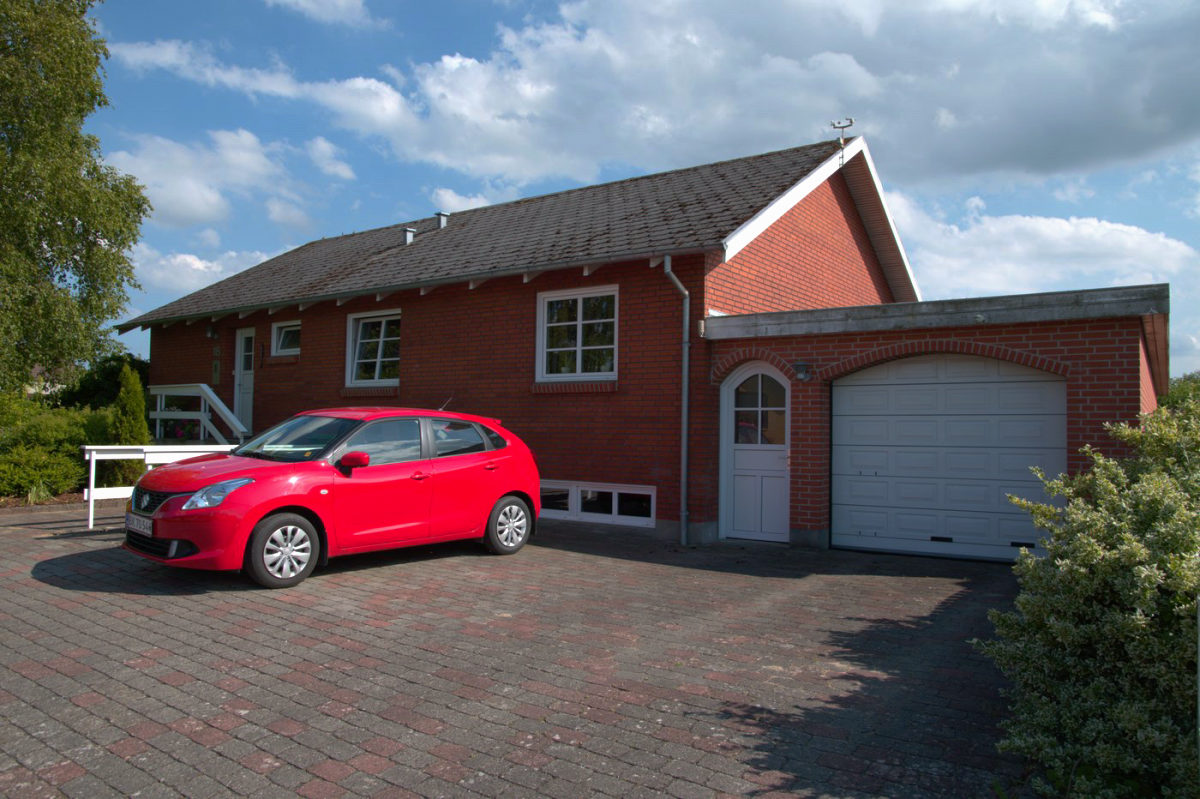 Original (Neutral)
Portra 400
Drag the slider to compare. CC0 sample from raw.pixls.us, coloured with the tool’s own model.See Portra 400 →
Three steps, under five minutes
No Nikon software and no phone app needed.
- 1
Pick a camera and a look
More than 40 Nikon models, from the Z 6II and Z f to the D750 and D850. Eighteen Kodak and Fujifilm looks, black and white included.
- 2
Preview
Drag the slider over a sample, or drop your own NEF or JPEG photos. RAW files are decoded right in the browser.
- 3
Download and load it
Copy the .NCP file to the card and open Manage Picture Control › Load/save › Copy to camera. The look sits in one of the camera’s C-1 to C-9 slots.
Famous film looks, right in the camera
9 inspired by Kodak, 9 by Fujifilm, black and white included.
 Kodak · Colour negative film
Portra 400
Natural skin, soft colour and open highlights: the portrait film benchmark.
 Kodak · Colour negative film
Ektar 100
The most saturated Kodak negative, made for landscapes and travel.
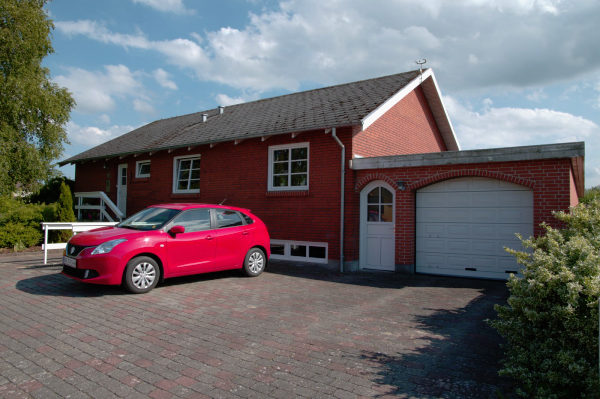 Kodak · Slide film
Kodachrome 64
The legendary slide film: deep reds, high contrast, restrained colour.
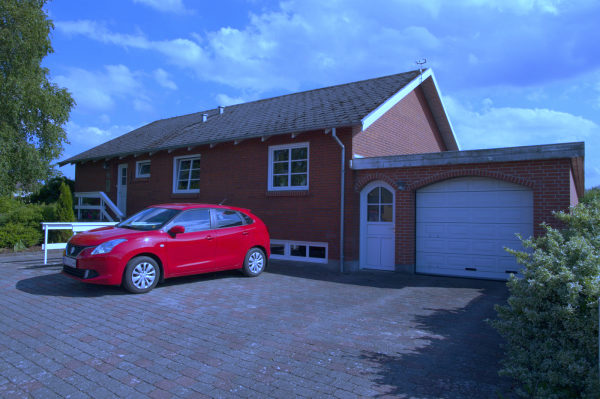 Kodak · Motion-picture film
Vision3 500T
Cinema film for 3200K tungsten light: soft, open shadows, blue in daylight.
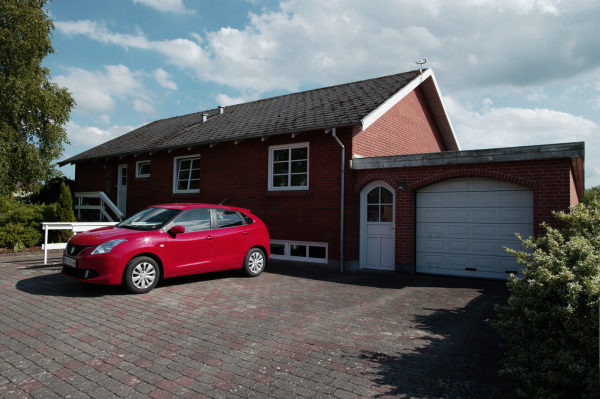 Fujifilm · Film simulation
Classic Chrome
Subdued colour and cool shadows with a documentary feel.
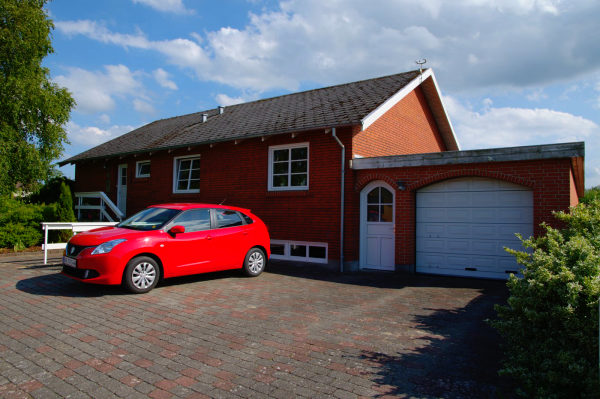 Fujifilm · Film simulation
Velvia / Vivid
Vivid colour and deep shadows, born for landscapes.
 Fujifilm · Film simulation
Nostalgic Neg.
Amber highlights and soft gradation, like a 1970s print.
 Kodak · Black & white film
Tri-X 400
The classic black and white: high contrast, deep blacks, punchy midtones.
Why FilmPC
Built from real data
Kodak looks come from Kodak’s data sheets through FilmPC’s own film simulation. Fujifilm looks are measured on Fujifilm camera JPEGs. Nikon’s Neutral base is measured on real RAW files.
The look lives in the camera
An .NCP file is a Custom Picture Control, a built-in Nikon feature. No firmware changes, no app. JPEGs and video come out of the camera with the look.
Try it on your photos
Drop a NEF or JPEG to see the look on your own photo, compare two looks side by side, and export film-look JPEGs from your RAW files.
Your photos stay with you
Everything happens in your browser. Photos are never uploaded to any server, FilmPC’s included.
How close to film?
An .NCP file holds one tone curve plus global saturation and hue, so the looks come close to the film without matching it exactly. FilmPC measures the difference in ΔE2000, a colour-difference scale where about 1 is the smallest difference the eye notices between two patches side by side.
Works on your camera
Nikon Z, DSLR and a few compact models can load .NCP files.
- Nikon Z 6II
- Nikon Z 6III
- Nikon Z f
- Nikon Z 5II
- Nikon Z 8
- Nikon Z 50II
- Nikon Z fc
- Nikon D850
- Nikon D750
- Nikon D780
- Nikon D7500
- Nikon D500
Frequently asked questions
See all questionsDoes FilmPC cost anything?
FilmPC is currently free to use, with no account.
Can it harm my camera or its warranty?
No. Custom Picture Controls are a built-in Nikon feature: the camera only reads a file from the card, as it does with Picture Controls made in Nikon’s own software. You can delete the look at any time.
Does it match the film exactly?
Close, not identical. An .NCP file has one tone curve and one saturation and hue setting for all colours. Part of the warmth or coolness of some looks comes from the white-balance setting suggested on each look’s page. See how FilmPC measures accuracy.
Are my photos uploaded?
No. The page reads and processes photos in your browser, RAW decoding included.
Ready to try a film look?
Pick your camera and a look, and download the file in minutes.